fbq('track', 'AddToCart', {
content_ids: ['123'], // 'REQUIRED': array of product IDs
content_type: 'product', // RECOMMENDED: Either product or product_group based on the content_ids or contents being passed.
})
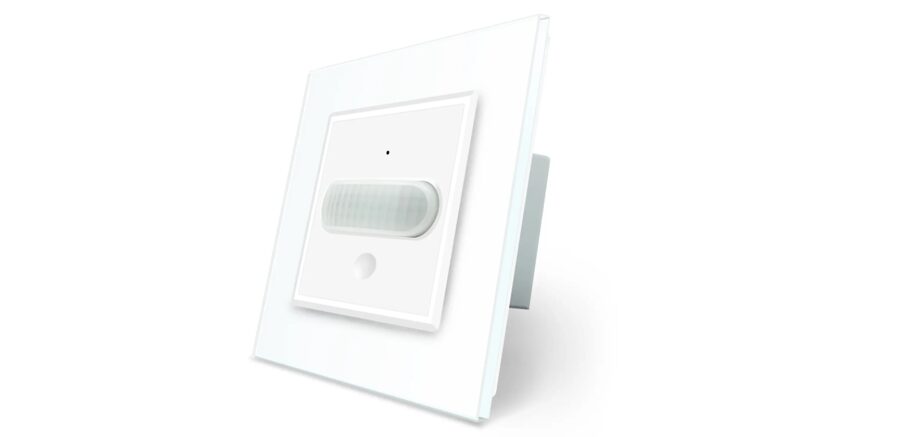
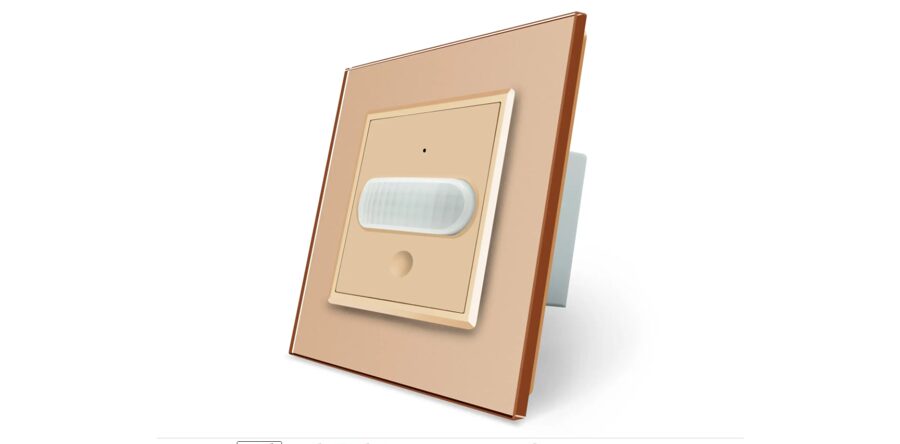
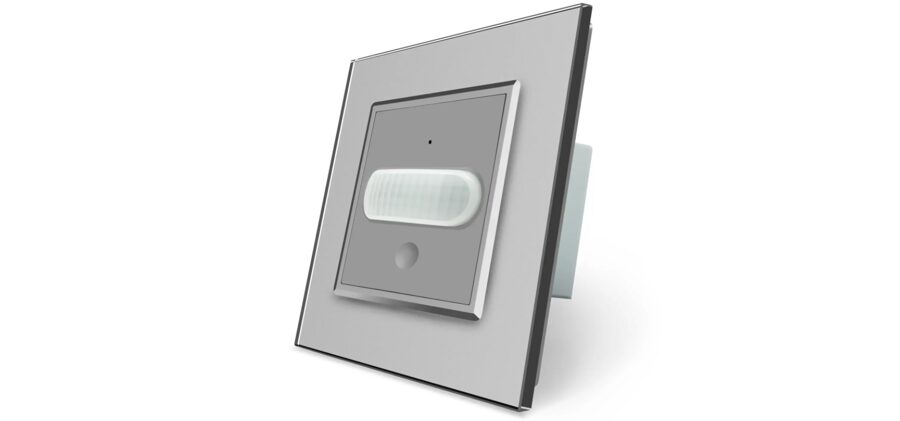
Presence and motion sensor + Touch switch
A motion sensor with a touch light switch LIVOLO is used to automatically control lighting fixtures. It has a built-in light sensor that allows you to turn on the light only in the dark.
The presence sensor operates in one of two modes:
1) Motion sensor. In this mode, the indicator is blue.
2) Touch switch. Manual touch button works in on/off mode. The indicator is red when the switch is on and green when the switch is off.
Switching between modes is carried out by long touching the sensor. When on, the indicator light is red.
Presence sensor mode works 8 seconds after power on. To switch to manual control, press and hold the button for 2 seconds. The indicator will turn green. To switch to motion sensor mode, press and hold the button for 2 seconds. The indicator turns blue. The switch will return to the standard occupancy sensor mode after the power is turned off.
If the motion sensor is activated manually, the switch will turn off after movement stops in the motion sensor's range after 120 seconds. When turning on the light manually, if the illumination is less than automatically set on the switch, the switch will turn off automatically after the set delay time of the presence sensor.
Characteristics:
Range - 5 meters,
Viewing angle - 100 degrees,
Adjustable delay time,
Light sensor,
Voltage - 220v,
Current - 5A.
Doesn't require zero
It is installed in a round socket box with a 60x60 mm fastening.
fbq('track', 'ViewContent', {
content_ids: ['123'], // 'REQUIRED': array of product IDs
content_type: 'product', // RECOMMENDED: Either product or product_group based on the content_ids or contents being passed.
});